Disconnected tools leave teams copying data and reconciling records by hand.

Signs to look for
Duplicate customer records, conflicting reports and manual exports.
What a review can assess
System owners, sample records, available integrations and permissions.
Practical changes to consider
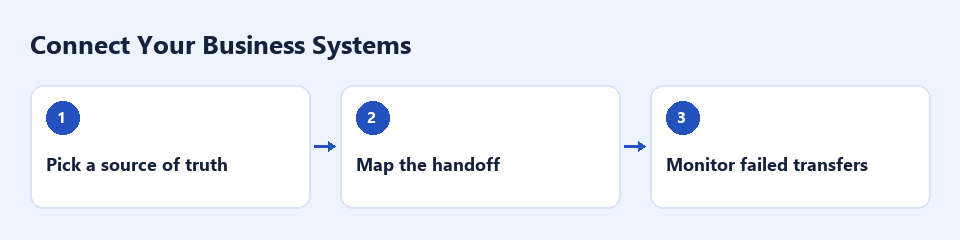
Choose the source of truth, map one workflow and test how failed transfers are handled.
Stop reconciling the same facts twice
When customer, order or job information lives in several systems, small differences become repeated manual checks. Before connecting anything, decide which system owns each record and who is allowed to change it.
Assess one connection at a time
Review a sample journey such as enquiry to CRM to invoice. Identify fields, record identifiers, permissions and existing integrations. Check whether the systems support the required connection and whether transfers must run immediately or on a schedule.
Design for exceptions
A useful integration needs more than a successful first transfer. It should handle missing fields, duplicate records and failed updates, with a visible queue for a person to resolve. Pilot on a limited set of records and agree a rollback process before expanding.
Keep connections reliable
Managed support can include error alerts, reconciliation reports and checks after software changes. Track failed transfers and manual corrections. Availability and scope depend on the capabilities and permissions of your existing systems.
Discuss a monthly service
Discuss integration monitoring, error review and maintenance.
Explore a related 7Chats service - Create a custom AI agent

